A tribute · Turbo C++
Every pixel, by hand
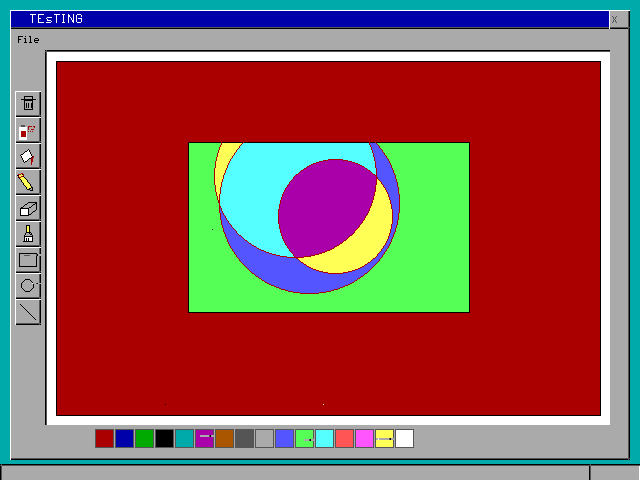
My brother Riza wrote this in Turbo C++ in 2014. No toolkit. Just putpixel.
01
The blue screen
If you learned C++ in an Indian school, you know this screen.
#include<conio.h>clrscr();getch();
Most of us stopped at a pattern of stars.
Riza didn’t.
02
What was in the box
640 × 480. Sixteen colours.
Tap a colour
putpixelgetpixellinerectanglebarcirclefloodfillgetimageputimageouttextxy
No windows, no buttons, no menus.
03
So he drew all of it
About 2,700 lines, by hand.
His code, running. Pick a tool, pick a colour, drag. Open it full size ↗
04
How it works
One loop, asking the mouse what it’s doing, forever.
while(1){
    mouse.update();

    if(RectButton.manage()) s=1;
    else if(CircleButton.manage()) s=2;
    else if(LineButton.manage()) s=3;
    ...
    currentTool->draw();
    delay(16);
}
How do you make a button look pressed?
Swap the light and dark edges.
Press the button.
void depth(int startX,int startY,int width,int height){
    setcolor(WHITE);
    line(startX,startY+height,startX+width,startY+height); //bottom
    line(startX+width,startY,startX+width,startY+height);  //right
    setcolor(BLACK);
    line(startX,startY,startX+width,startY);               //top
    line(startX,startY,startX,startY+height);              //left
    ...
Icons, with no image files?
He drew them. The airbrush icon is sprayed with random(), so it changes every launch.
while(i<4){
    while(k<5){
        putpixel(startX+13+random(3*i),startY+9+random(k*2),RED);
        k++;
    }
    k=0; i++;
}
A circle, with only putpixel?
Draw an eighth. Mirror it eight ways. Integers only.
x = 0 · y = 0 · d = 0
int d=3-2*radius;
while(x<=y){
    putpixel(xc+x,yc-y,current_color);   // and seven more,
    putpixel(xc-x,yc-y,current_color);   // one for each octant
    ...
    if(d<0) d+=4*x+6;
    else  { d+=4*(x-y)+10; y--; }
    x++;
}
A rectangle that follows the mouse, without wrecking the drawing?
Save the four strips it covers. Put them back when the mouse moves. Or use XOR, and watch the colours.
Drag across the picture.
imgback[i]=malloc(imgsize_horiz);
getimage(startX-offset,startY-offset,endX+offset,startY+offset,imgback[0]);
getimage(startX-offset,endY-offset,endX+offset,endY+offset,imgback[1]);
...
::rectangle(startX,startY,endX,endY);
while(m.x()==m.px() && m.y()==m.py()){ m.update(); delay(1); }
putimage(startX-offset,startY-offset,imgback[0],COPY_PUT);
How does the bucket know where to stop?
It marks each column’s ends with a spare colour, then cleans up.
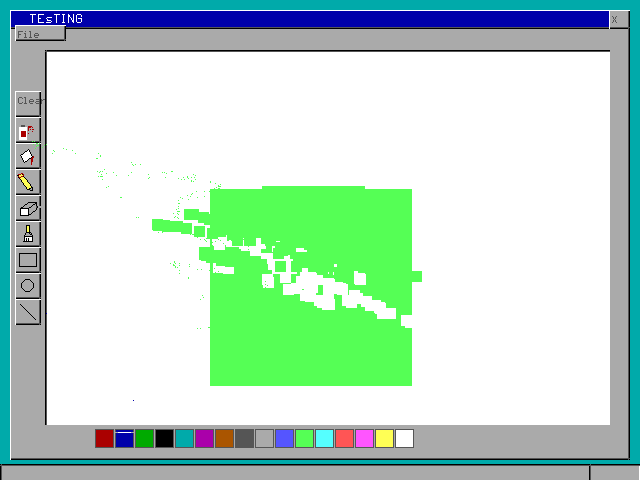
Tap inside a shape. The black dots are the marks.
int tempcolor=0;
while(oldColor==tempcolor || newColor==tempcolor){
    tempcolor+=1;
}
...
putpixel(x,y1,tempcolor);
And undo?
The whole screen, saved to UNDO.A before every stroke. 309,434 bytes, every time.
05
LOL.CPP
His whole folder survived. Open a few.
C:\TC\PAINT>dir

 Directory of C:\TC\PAINT
06
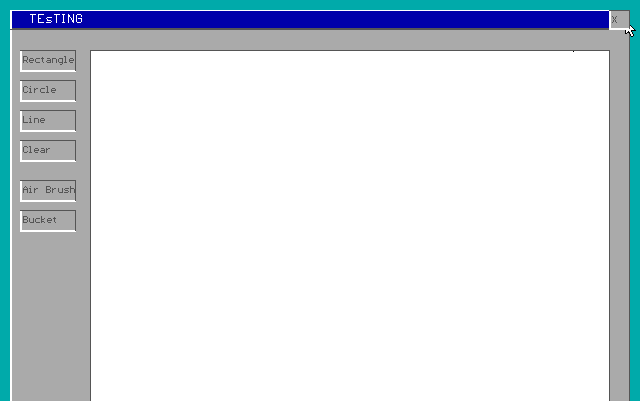
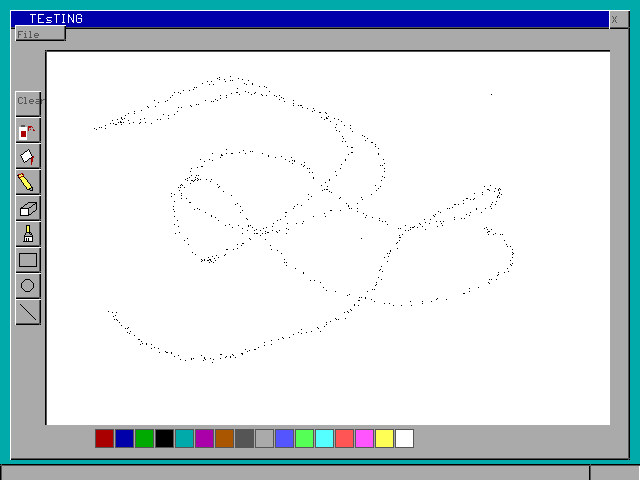
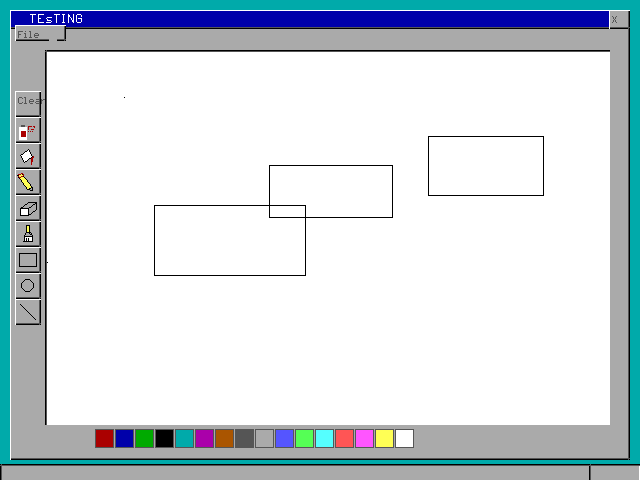
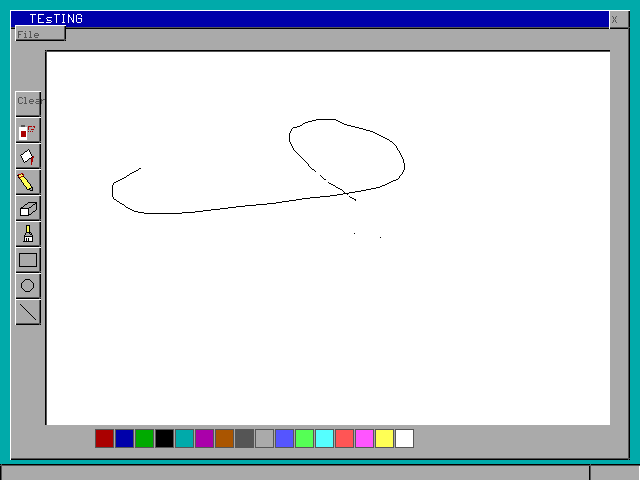
Pictures from 2014
Saved in his own format. Nothing could open them, so I wrote a decoder.
07
Twelve years later
Compiled to WebAssembly. One missing return had frozen the airbrush.
A blue screen. A school lab. A folder with LOL.CPP in it.
A lot of us started like this. His still runs.
Paint by Riza S, 2014. Browser port with SDL_bgi (zlib licence) and Emscripten. Type set in Newsreader, IBM Plex Mono and VT323.